
In this guide
For local service businesses, appointments are revenue. Every open slot on your calendar is potential income sitting on the table. Yet most local businesses still rely on phone calls during business hours to book appointments, which means they are closed to new bookings for 128 of the 168 hours in a week.
AI appointment scheduling changes this. Instead of requiring a human to answer the phone, check availability, and confirm the booking, software can handle the routine bookings. Customers book through your website, over the phone via a voice AI agent, or through a text conversation. The system checks your real-time availability, confirms the appointment, and sends reminders to reduce no-shows.
The aim is more appointments, fewer gaps in your schedule, and less time spent on the phone playing calendar Tetris.
The missed appointment problem
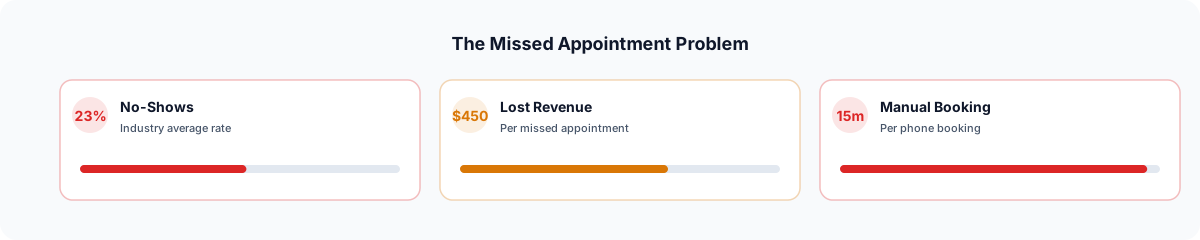
Many calls to home service businesses go unanswered. Not because the business does not want the call, but because the technician is on a roof, the receptionist is on another line, or it is 7 PM and the office is closed. Each unanswered call is a potential customer who may call the next business on the list.
The problem compounds with scheduling complexity. When a customer does reach someone, the back-and-forth of finding a mutually available time slot, confirming the address, explaining the service, and locking in the appointment takes five to ten minutes per call. Multiply that by 20 calls per day and you have a full-time job just managing the calendar.
Then there are no-shows and last-minute cancellations. As an example, a business running 10 appointments per day at a $300 average ticket that loses two of them a day to no-shows is losing $600 a day. Count your own no-shows for a month to see what yours cost.
How AI appointment scheduling works
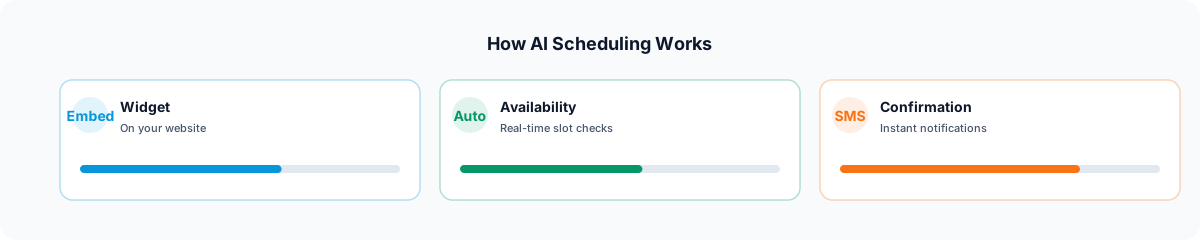
AI scheduling systems work from a calendar of your availability and make it bookable through multiple channels. Elmob uses its own schedule for this; it does not sync with Google Calendar or Outlook. Here is the typical flow.
A customer visits your website and clicks "Book Now." The system presents available time slots based on your actual schedule and how long each service takes. The customer selects a slot, enters their information, and receives a confirmation. The appointment appears on your calendar with all the details, including the service type, address, and any notes the customer provided.
Some systems also take bookings by text. For customers who prefer calling, AI Receptionist handles the conversation naturally and books the appointment during the call.
AI Receptionist + booking: the hands-free approach
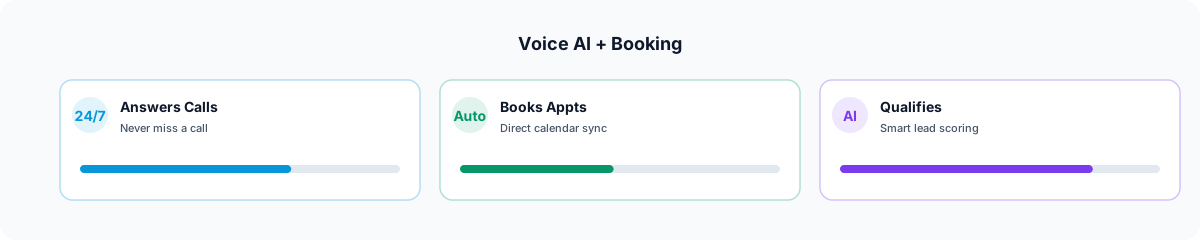
A useful setup combines voice AI with your booking system. When a customer calls your business, the AI agent answers, can look up whether a returning caller already has an appointment, and handles the conversation.
The voice AI qualifies the lead by asking about the service needed, the location, and any urgency. It then checks your schedule and offers available slots. If the customer says "I need someone tomorrow morning," the AI checks tomorrow's availability and responds with specific options. Once confirmed, the appointment goes on your schedule with the details.
This can happen at 6 AM, at midnight, on weekends, and on holidays. For businesses that rely heavily on phone bookings, it gives after-hours callers a way to book instead of reaching voicemail.
Embeddable booking widgets
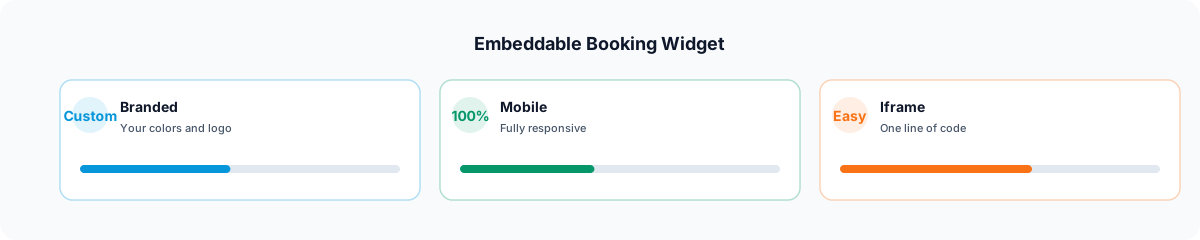
Not every customer wants to call. Many would rather book online. An embeddable booking widget on your website gives them a way to do it.
The widget sits on your homepage, service pages, or a dedicated booking page. It shows your real-time availability, lets customers select a service type, pick a date and time, and enter their contact information. The customer does not need to create an account, download an app, or leave your website.
Smart widgets go further by adjusting available slots based on the service selected. An AC installation that requires four hours shows different availability than a 30-minute maintenance check. The system accounts for existing bookings. When paired with your CRM and lead management system, every booking automatically creates or updates a customer record with the full history.
Reducing no-shows with smart reminders
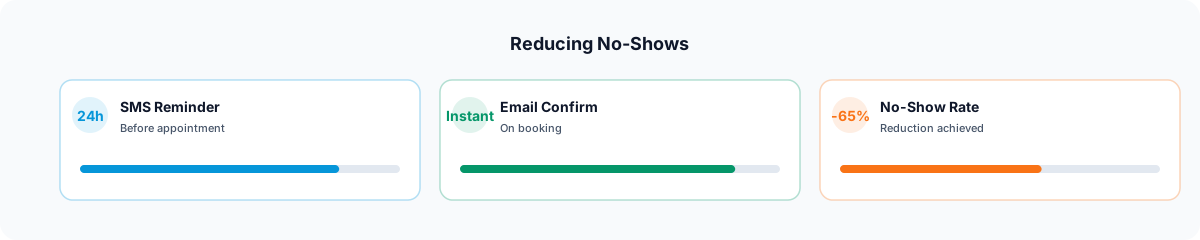
Booking the appointment is only half the battle. Getting the customer to actually show up (or be home when you arrive) is the other half. Automated reminder texts help reduce no-shows.
The typical reminder sequence works like this: 48 hours before the appointment, the customer receives a text confirmation with the date, time, and a one-tap option to confirm or reschedule. 24 hours before, they get a second reminder. Two hours before, a final "we are on our way" or "see you soon" message. Each message includes a link to reschedule if something came up, which is far better than a no-show because it opens the slot for someone else.
Reminders will not stop every no-show, but they give customers an easy way to reschedule instead of simply not being home. Track your no-show rate before and after you turn them on.
Measuring the impact on revenue
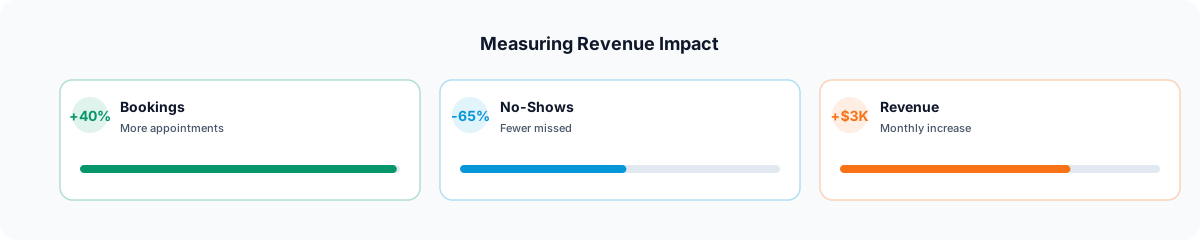
Measure AI scheduling on three things: bookings, no-shows, and staff time on the phone. Write down where you are today so you can compare:
Bookings
Appointments booked from after-hours calls and online channels
No-shows
Share of booked appointments where nobody was home
Hours
Staff time per week spent on phone scheduling and reminders
These improvements build on each other. More bookings mean more completed jobs. Fewer no-shows mean fewer wasted drive-outs and idle hours. Less time on the phone means your team can focus on delivering great service instead of managing a calendar. Each improvement feeds the next.
For local businesses ready to stop losing appointments to missed calls and no-shows, start by adding a booking widget to your website and turning on an AI receptionist for after-hours calls, then compare your numbers after a month.