
If you run a local business, you already know that reviews matter. You have probably noticed that your best months for new customers tend to coincide with a strong flow of recent five-star reviews. You have also noticed that one or two negative reviews sitting at the top of your Google profile can feel like an anchor dragging your reputation down.
What most business owners do not realize is just how dramatically reviews affect their bottom line. According to BrightLocal's 2025 Local Consumer Review Survey, 87% of consumers read online reviews for local businesses before making a purchase decision, and 73% only pay attention to reviews written in the last month. Reviews that are six months old might as well not exist for the majority of potential customers.
The businesses winning in local search right now are not necessarily the ones delivering better service. They are the ones with a system for consistently generating, responding to, and leveraging reviews. AI can carry a lot of that system. This guide covers how AI review management works, what it can and cannot do on Google, and how to set it up for your business.
Why reviews matter for local rankings
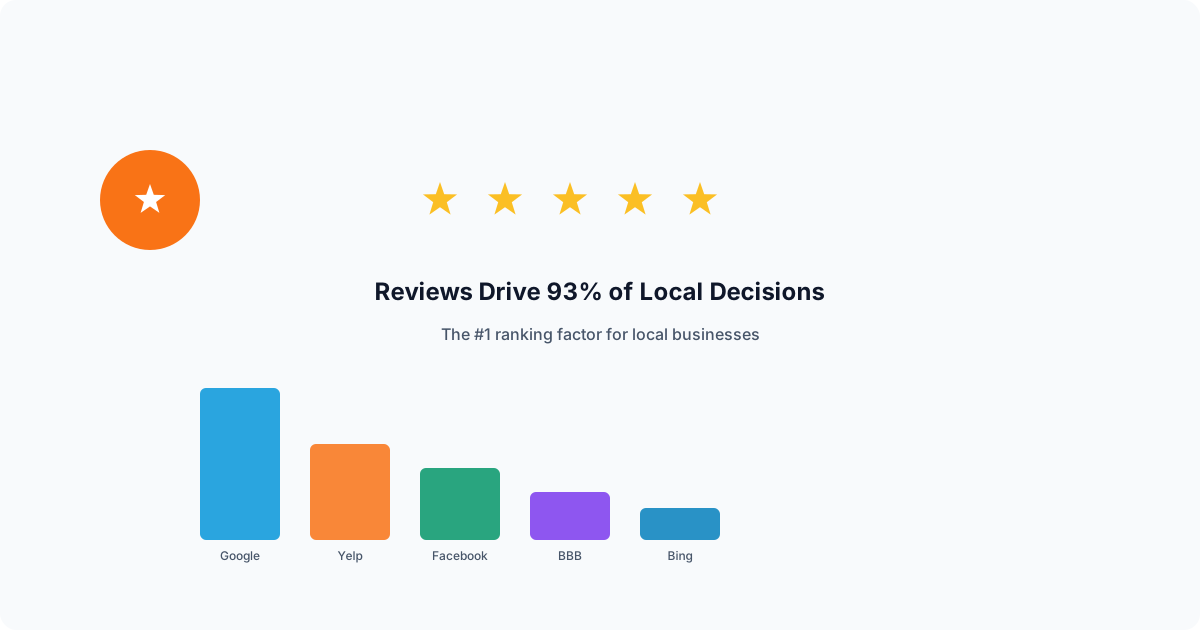
Google says local results are based mainly on relevance, distance, and prominence, and lists review count and rating as part of prominence. Prominence is the factor you have the most control over, and reviews are one of the most direct ways to build it.
A steady stream of new reviews shows searchers, and very likely Google, that customers are actively using your business. Combined with review content that mentions your services and location naturally, reviews become a powerful driver of keyword relevance too.
Beyond rankings, reviews affect whether people call. When potential customers compare your business to a competitor, recent, detailed reviews with owner replies give them a reason to pick you.
The trust gap is real
Think about your own behavior as a consumer. When you search for a restaurant, a dentist, or a contractor, what do you look at first? You look at the star rating, the review count, and whether the business responds to reviews. You probably skip businesses with fewer than 20 reviews entirely. You almost certainly read at least one negative review to see how the business handled it.
Your potential customers do the same thing. If your Google profile shows 12 reviews, the last one posted four months ago, and no owner responses, you are losing business to the competitor with 85 reviews, consistent recent activity, and thoughtful replies to every piece of feedback. The quality of your actual service is irrelevant at this point because the customer never makes it through your door.
This is the trust gap: the distance between the quality of your business and the quality of your online reputation. Most local businesses have a significant trust gap because they lack a system for closing it. AI review management is that system.
The review generation problem: why asking is harder than it sounds
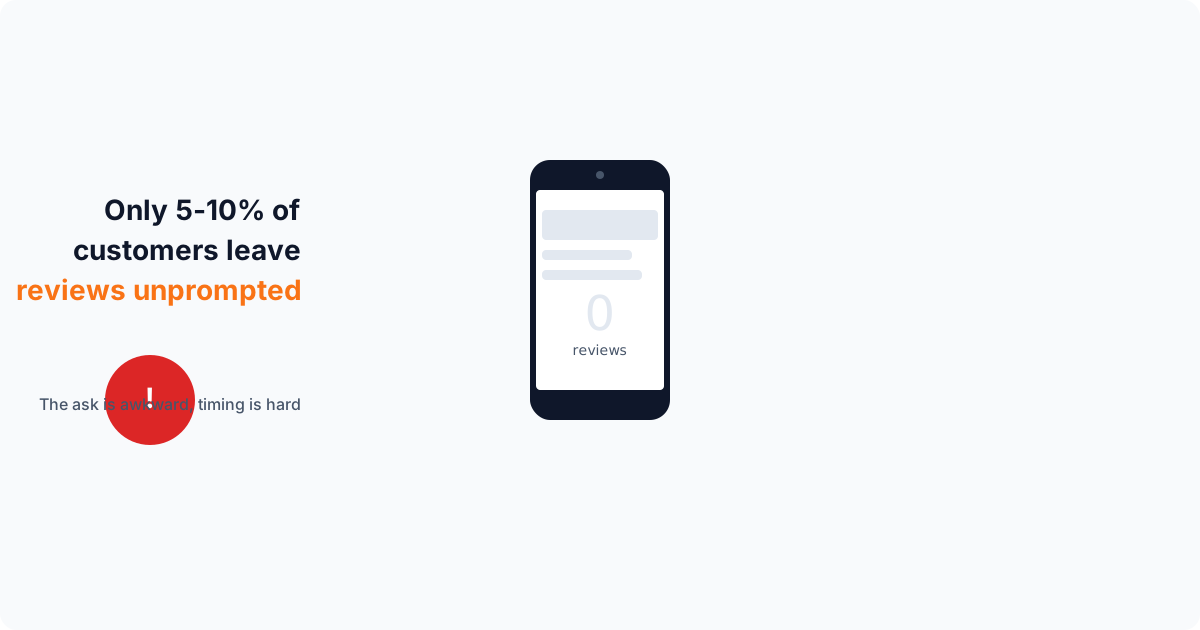
Every business owner knows they should ask for reviews. Very few do it consistently. The reasons are practical. After completing a job or serving a customer, the immediate priority is moving on to the next task. The moment passes, and asking later feels awkward or intrusive.
Even when business owners do ask, the conversion rate is low. Telling a customer "please leave us a review on Google" requires the customer to remember, navigate to the right page, write something, and submit it. Each step introduces friction, and most customers drop off before completing the process. A spoken request with no link is easy to forget.
Timing compounds the problem. The best moment to request a review is soon after the job is finished, while the experience is fresh. The longer you wait, the less likely the customer is to follow through, and manual requests tend to slip because the owner is busy with the next customer.
The follow-up factor
A polite follow-up reminder catches customers who meant to leave a review and forgot. But sending manual follow-ups to every customer who has not yet left a review is impractical. You would need to track who received a request, who completed it, and who needs a nudge, then compose and send individual messages.
This is the kind of repetitive, time-sensitive workflow that software handles well. Not because it is smarter, but because it does not forget to send the message.
How AI helps with review requests: SMS campaigns, job triggers, and a follow-up
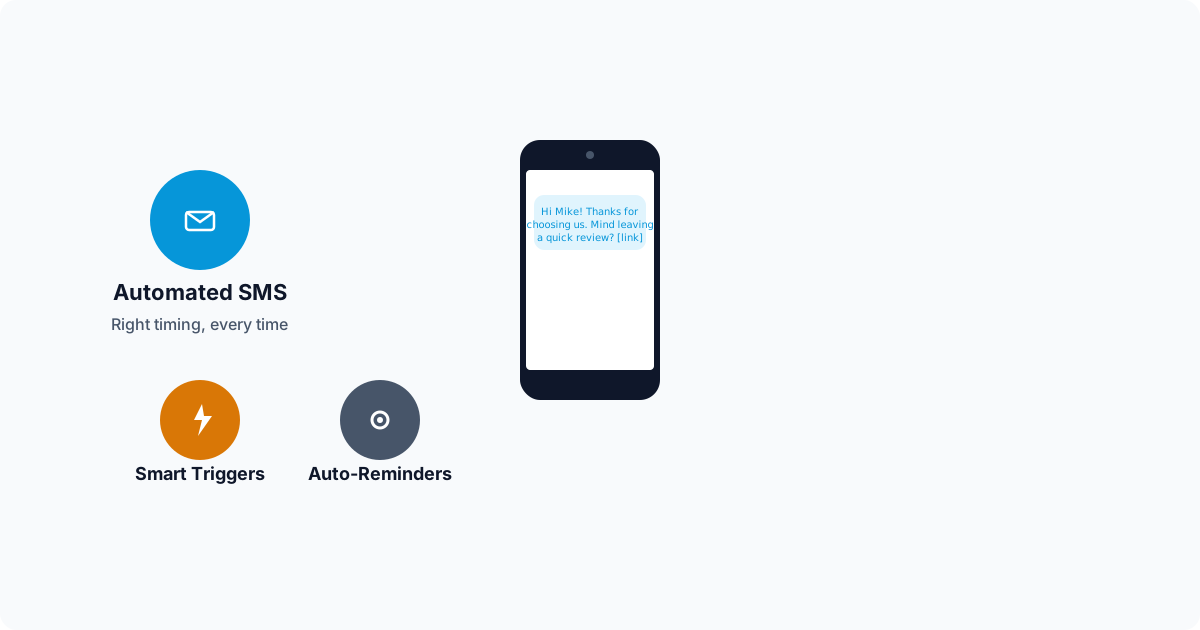
AI review tools turn review requests from something you remember to do into a routine that runs when a job is finished. Here is how each part works.
SMS review blast campaigns
SMS is a natural channel for review requests because people read texts quickly and the review link is one tap away. Review tools let you send SMS campaigns to your customer list with personalized messages. Each message includes the customer's name, a reference to the service they received, and a one-tap link that opens directly to your Google review form.
A review campaign usually goes to recent customers, for example the last 30 to 90 days. How many reviews it brings in depends on your customers, your service, and your message, so measure your own results rather than relying on a benchmark.
The AI personalizes each message so it does not feel like a mass text. Instead of "Please leave us a review," the customer receives something like: "Hi Sarah, thank you for choosing us for your kitchen remodel last Tuesday. If you have a moment, we would love to hear how it went." The personal touch matters because it reminds the customer of their positive experience and makes the request feel genuine rather than transactional.
Smart timing and triggered requests
Beyond campaigns, review tools can send a request automatically when something happens. In Elmob, marking a job complete can queue a review request text to that customer, so the ask goes out while the job is fresh without anyone remembering to send it.
Send texts at reasonable local hours. A request that arrives late at night is more likely to annoy than to earn a review.
An automatic follow-up
When a customer receives a review request but does not act on it, a single follow-up nudge can go out a few days later. Elmob sends one follow-up, not a long sequence, and does not keep re-asking the same customer in later campaigns.
One reminder is enough to catch people who forgot without pestering anyone, and it needs no extra work from you after the first request.
AI review response: why every review needs a reply
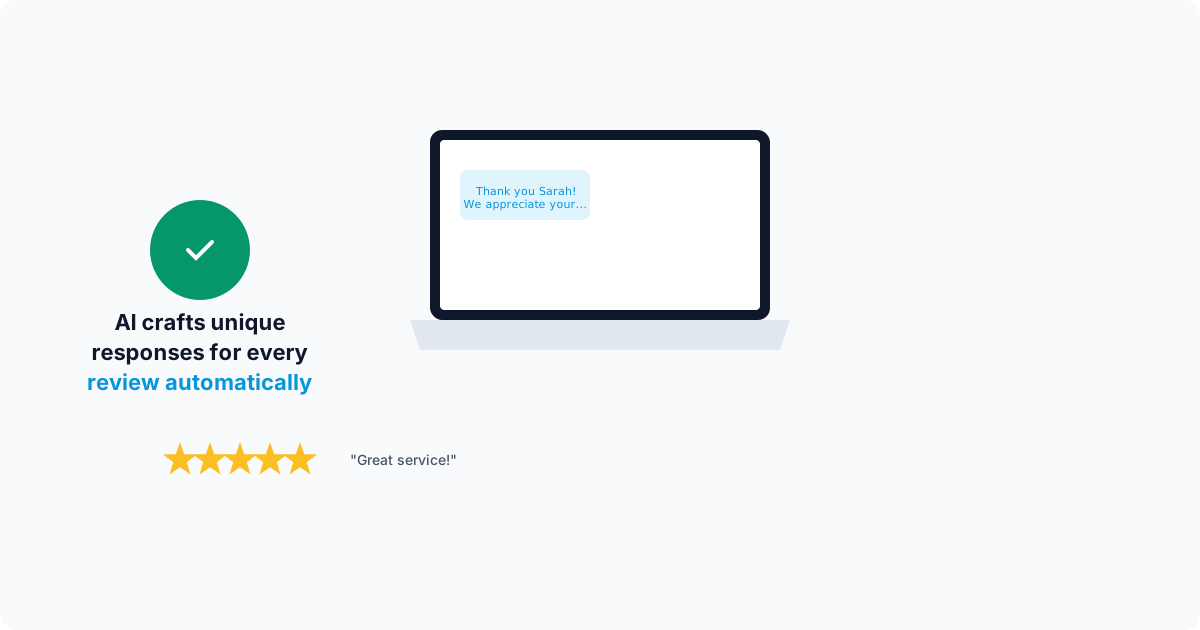
Generating reviews is only half the equation. How you respond to those reviews matters just as much. Google recommends that businesses reply to reviews, and replies shape how future customers perceive your business.
When a potential customer reads a five-star review, they are encouraged. When they see the business owner took time to write a genuine thank-you reply, they are impressed. When they read a one-star review and see the owner responded professionally, acknowledged the issue, and offered to make it right, they are actually more likely to trust the business than if the negative review did not exist at all. Handled well, negative reviews build credibility.
The problem is that writing thoughtful, unique responses to every review takes significant time. A business receiving 15 reviews per week needs to compose 15 different replies. Each reply should reference the specific customer, mention the service provided, and feel personal rather than copy-pasted. For busy business owners, this quickly becomes unsustainable.
How AI drafts personalized responses
AI review response tools analyze the content of each review, identify the sentiment (positive, negative, or mixed), extract key topics (service quality, pricing, staff, timeliness), and draft a response that addresses the specific feedback. For a five-star review mentioning "quick response time and fair pricing," the AI generates a response that thanks the customer, acknowledges their specific compliments, and reinforces those strengths.
For negative reviews, the AI takes a more careful approach. It acknowledges the customer's frustration, avoids being defensive, references the specific issue mentioned, and offers to resolve the situation offline. The tone is always professional and empathetic. Every response is drafted to show future readers that your business takes feedback seriously and works to make things right.
Some tools can publish replies on their own. Elmob does not: It drafts a reply for you to approve, then posts it to your Google Business Profile. You read the draft, edit anything that is off, and post it yourself. That keeps a person in charge of every public reply.
Keeping an eye on your reputation
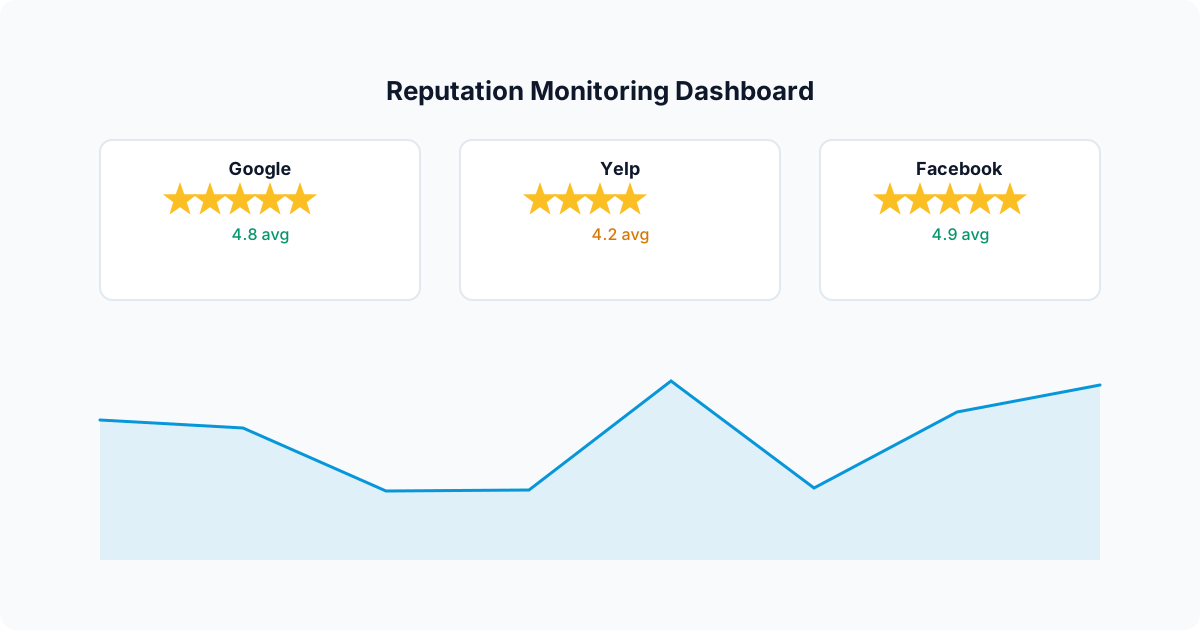
Google is the most important review platform for local businesses, but it is not the only one. Depending on your industry, reviews on Yelp, Facebook, Angi, Thumbtack, and industry-specific directories also contribute to your online reputation. A customer who finds a glowing Google profile but then discovers unanswered complaints on Yelp will think twice before calling.
Some review tools pull reviews from several platforms into one dashboard. Check which sites a tool actually covers before you rely on it, and keep a short routine for checking the rest. Elmob focuses on Google reviews and does not cover every directory.
Reading reviews for patterns is worth the time whatever tool you use. If several customers mention "long wait times" in the same month, that is an operational issue to fix before it shows up in more reviews.
Review velocity: a steady flow beats a burst
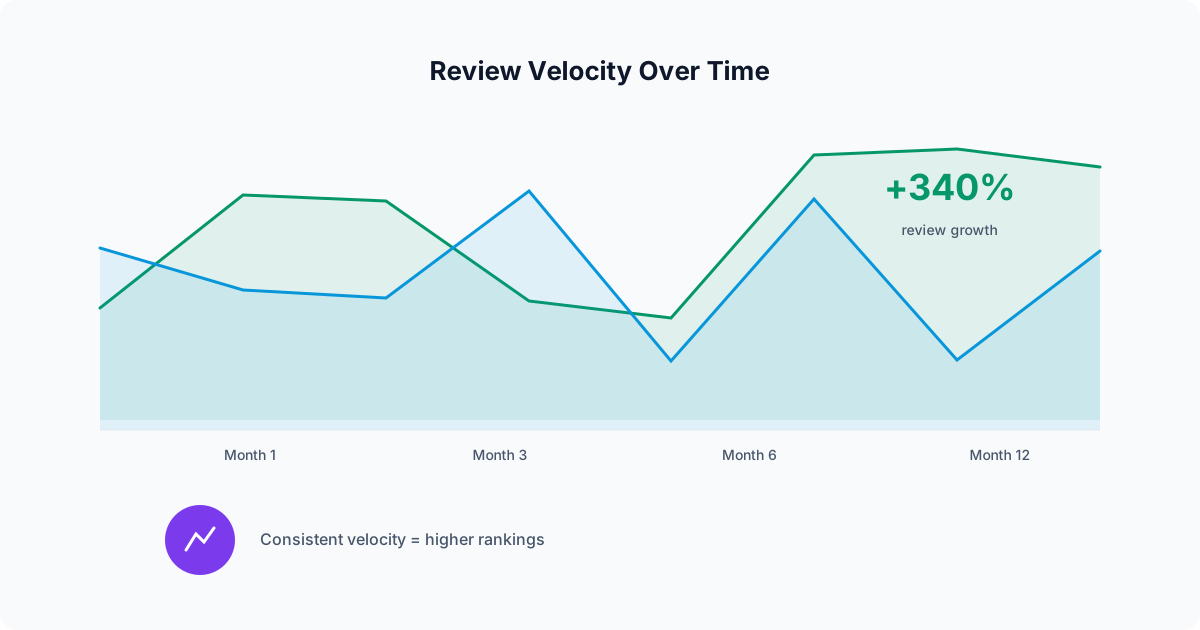
Review velocity is the rate at which your business acquires new reviews over a given time period. Searchers notice how recent your reviews are, and a profile whose newest review is months old looks quiet even with a high total.
This is where a review routine helps most. Asking after every job, sending one follow-up, and running an occasional campaign keeps requests going out even in busy weeks, when manual asking usually stops.
The business with a routine is not working harder on reviews. It just has a process that keeps asking when the owner is busy.
Practical setup guide
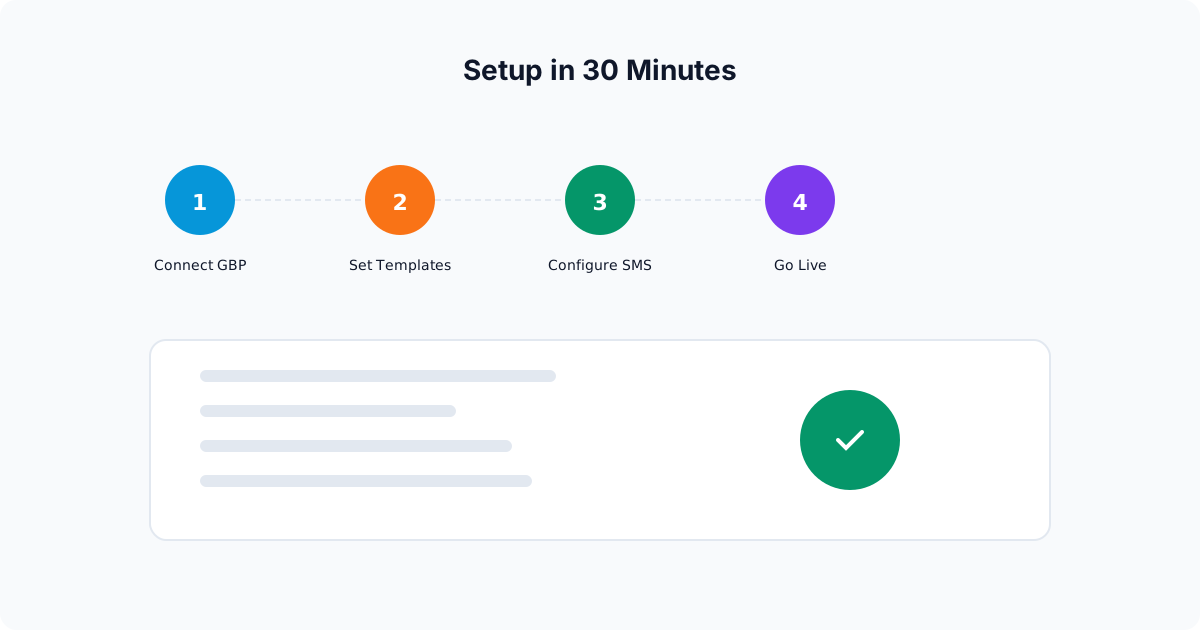
Setting up AI review management does not require technical skills or a long implementation period. Here is the step-by-step process using Elmob.ai as an example.
Step 1: connect your Google Business Profile
During onboarding, you add your Google Business Profile and your Google review link. The review link is what every request text points to. Elmob can then draft replies to your reviews for you to approve and post. The same goes for Google Business Profile posts: Elmob drafts them, and you copy and post them on Google.
Step 2: import your customer list
Upload your customer contact list, either from your CRM, a spreadsheet, or your invoicing software. The system needs customer names, phone numbers (for SMS), and the date of their most recent service. If you use a CRM that integrates directly, new customers sync automatically going forward.
Clean the list before you send: remove invalid numbers and duplicates, and skip customers who have already been asked recently. Customers from long ago are less likely to remember the job, so start with recent ones.
Step 3: customize your review request message
The platform provides a default SMS template, and you can customize the language to match your brand voice. The key elements are: the customer's first name, a reference to the service, a brief thank-you, and a direct link to your Google review page. Keep it under 160 characters for the initial message so it arrives as a single SMS.
Step 4: set up your reply routine
Decide who reads the reply drafts and how often. Elmob drafts a reply for each review; a person approves it, edits it if needed, and posts it on Google. A short daily or twice-weekly check is usually enough to keep replies timely, and negative reviews deserve the most careful read.
Step 5: send your first review campaign
With your customer list imported and your message customized, send your first campaign. Start with customers from the last 30 days, since they remember the job best. Review campaigns are available on Solo Operator and above. Watch your Google profile over the following days to see what comes in.
After the first campaign, turn on the job-complete request so new customers are asked as each job finishes. An occasional campaign catches anyone the trigger missed.
Common mistakes to avoid
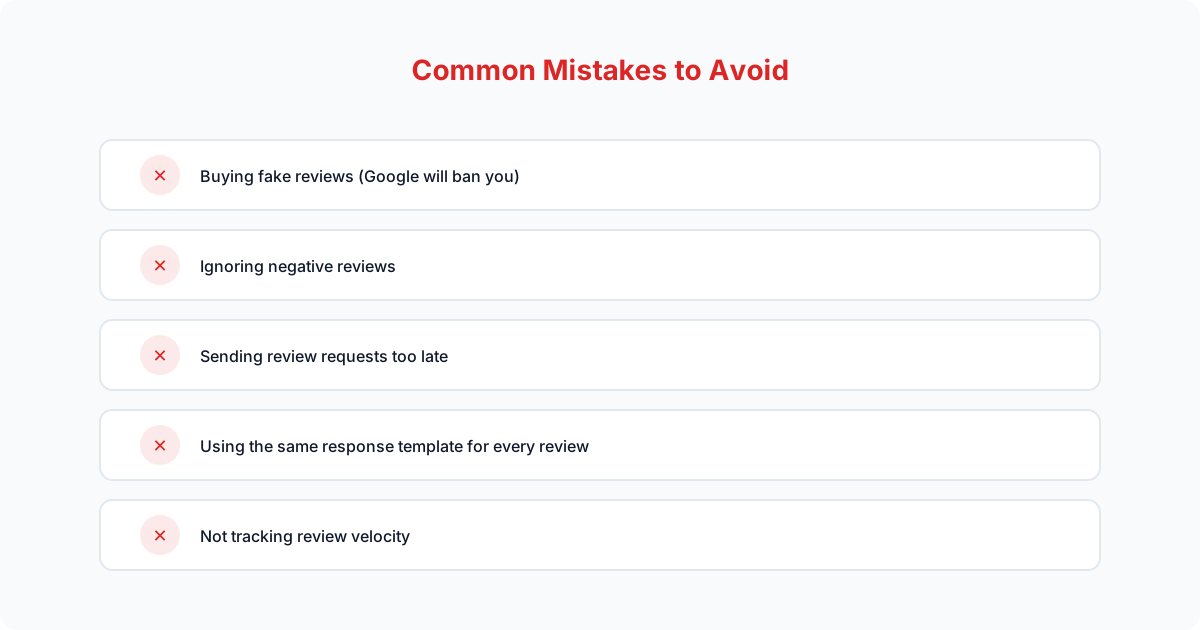
Even with AI handling the heavy lifting, there are a few pitfalls that can undermine your review strategy.
-
Review gating.
Filtering customers to only send happy ones to Google violates Google's terms of service and can result in all your reviews being removed. Send review requests to all customers, not just the ones you think will leave positive feedback.
-
Offering incentives.
Discounts, gift cards, or any form of compensation in exchange for reviews is against every major platform's policies. It puts your entire review portfolio at risk. Ask for honest feedback, nothing more.
-
Copy-pasting responses.
Identical responses to every review signal to Google and customers that you are not genuinely engaged. This is a good reason to use AI drafts: each one is written for the review in front of it, and you still check it before it goes live.
-
Ignoring negative reviews.
A negative review without a response is far more damaging than one with a thoughtful reply. Potential customers understand that every business occasionally has a bad experience. What they want to see is how you handle it.
The bottom line: reviews are a system, not a task
Businesses with strong review profiles usually have a routine rather than a heroic effort. AI review management tools can handle the repetitive parts: sending requests, sending a reminder, and drafting replies. The owner's role shifts from writing everything to approving and posting.
If you are managing reviews by memory, or not at all, competitors with a routine will keep adding recent reviews while you do not. Every reply you skip is a missed chance to show future customers how you treat people.
Getting started is simple: add your review link, import your customers, send your first campaign, and turn on the job-complete request. Then pair it with a regular Google Business Profile routine so your profile stays active.